How to Remove Background Noise in Final Cut Pro
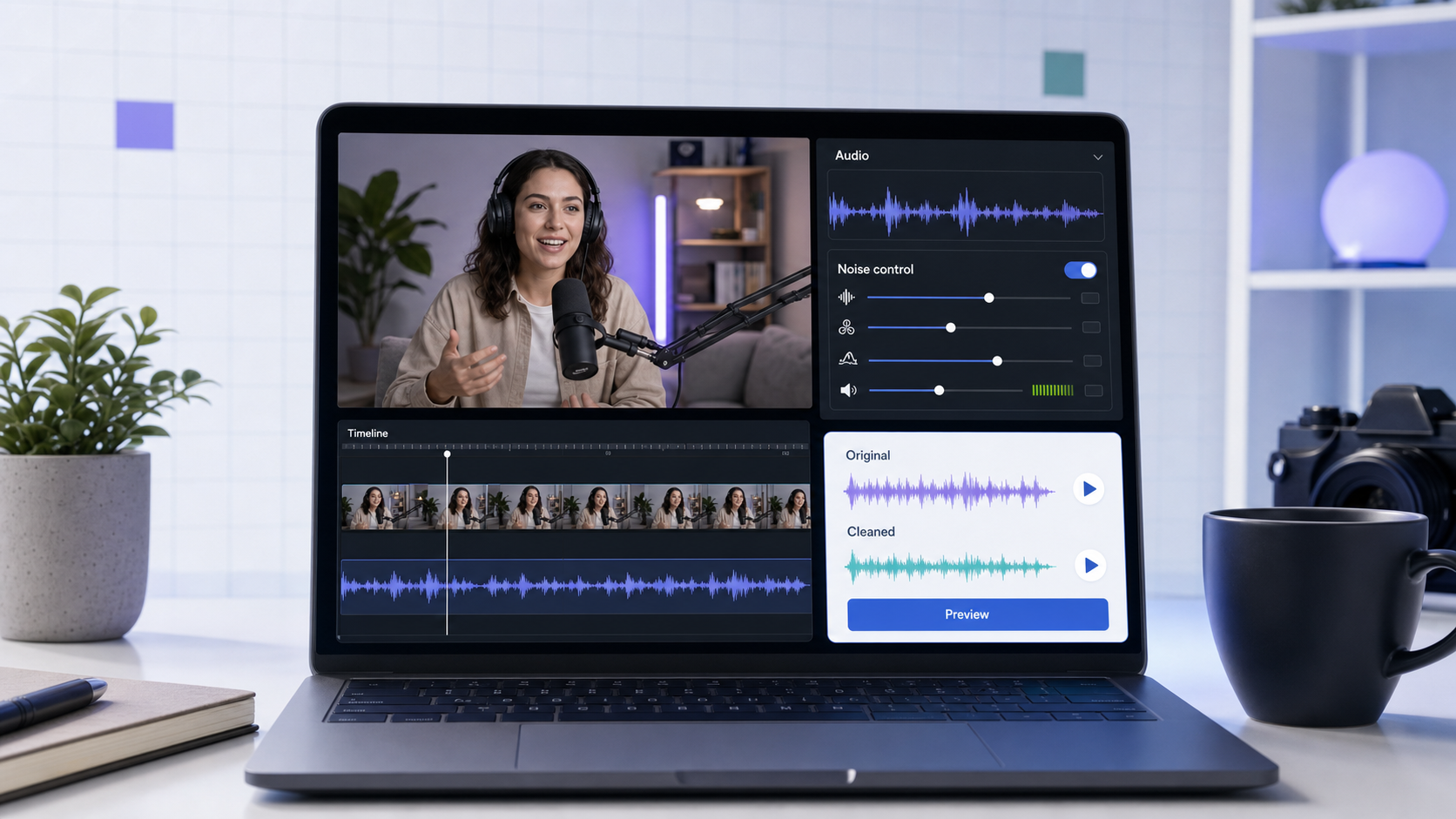
To remove background noise in Final Cut Pro, start with the clip in the timeline, open the audio controls, use the built-in audio cleanup tools conservatively, and preview the worst spoken section before committing. Final Cut Pro includes audio tools for equalization, loudness, voice isolation, and background noise removal, so it can handle many creator cleanup jobs inside the edit [1].
The key is not to push every control until the background disappears. The goal is a voice that sounds clearer and still human. If the file has mixed noise, heavy wind, echo, or a long batch of creator clips, a browser workflow such as CleanAudio's video noise remover can be faster because it analyzes the recording, applies cleanup, and gives you a preview without building an effect chain.
Quick Workflow in Final Cut Pro
Use this order when you want a practical first pass.
- Select the video clip or audio component in the timeline.
- Open the Audio inspector or audio cleanup controls.
- Try automatic audio cleanup if you need a quick baseline.
- Use Voice Isolation when the main job is making speech more prominent.
- Use Background Noise Removal when the problem is a persistent layer behind speech.
- Use EQ only after you know what remains.
- Listen to a difficult phrase, not just a quiet gap.
- Reduce the amount if the voice starts to sound thin, metallic, or closed-in.
Apple notes that Final Cut Pro audio cleanup works at the component level, not just the clip level [1]. That matters when a clip contains multiple audio components or channels. If one channel is cleaner than another, do not process both the same way by habit.
What Final Cut Pro Can Do Well
Final Cut Pro is a strong option when you are already editing the video and the audio problem is moderate. It keeps the cleanup close to the timeline, which is useful when you need to make the audio decision in context with the picture.
| Problem | Good first move in Final Cut Pro | Why |
|---|---|---|
| Mild fan, AC, or room tone | Background Noise Removal | The noise behaves like a layer behind speech. |
| Dialogue needs to stand forward | Voice Isolation | The tool prioritizes detectable human voices. |
| Uneven spoken volume | Loudness controls | The main signal can be made more consistent. |
| Boomy voice or thin voice | EQ presets or careful EQ | Tonal balance may need shaping after cleanup. |
| One bad bump or click | Local edit or repair | A single event is not the same as background noise. |
Final Cut Pro is also useful because you can judge the audio against the actual cut. A little background sound may be acceptable under B-roll or music. The same noise may be distracting in a close-up interview.
The Technical Judgment: Voice Isolation vs Noise Removal
Voice Isolation and Background Noise Removal sound similar, but they are not the same editorial move.
Voice Isolation is most useful when speech is present and the tool can prioritize the human voice over other parts of the signal. Use it for interviews, tutorials, talking-head clips, and vlogs where the voice is the main reason the clip exists.
Background Noise Removal is more about lowering the distracting layer behind the voice. It is a better first thought for fan noise, AC noise, camera preamp hiss, and light room bed.
In practice, you may test both, but avoid stacking heavy settings. When several processes remove overlapping parts of the same signal, the voice can lose body. A clean file should still have breath, consonants, and natural timing.
A More Detailed Manual Pass
If you use a manual cleanup flow inside Final Cut Pro, work in passes rather than guessing a final setting immediately.
First, find the worst section that still represents the clip: a line with speech plus the background problem. Do not judge only from silence because silence does not show what the tool is doing to the voice.
Second, apply one cleanup move at a moderate amount. If the problem is steady noise, start with Background Noise Removal. If the problem is voice buried under a room or camera bed, test Voice Isolation. If the clip is uneven, stabilize loudness before you overuse denoise.
Third, compare before and after at the same listening volume. Louder often sounds better at first. Match loudness mentally before deciding the cleanup is working.
Fourth, add EQ only to solve a clear remaining tonal issue. A low cut can reduce rumble, but too much low-mid removal makes speech smaller. A high-frequency boost can restore clarity, but it can also bring hiss forward.
Finally, listen on headphones and speakers. Headphones reveal artifacts; speakers reveal whether the voice still feels natural in the edit.
When Final Cut Pro Is Enough
Stay inside Final Cut Pro when the clip is short, the edit is already open, and the noise is not changing too much. A talking-head clip with mild AC noise or a tutorial with a steady computer fan is a good candidate.
Final Cut Pro is also the better environment when the audio fix depends on picture timing. If you need to lower a noisy section under B-roll, cut around a bump, or make a decision based on the scene, timeline-based editing is the right place.
When CleanAudio Is Faster
Use CleanAudio when the file is already recorded and you want the cleanup decision separated from the full editing interface. This is especially useful for creator clips, social videos, interviews, course recordings, and batches of files where you do not want to repeat the same inspection work clip by clip.
CleanAudio's advantage is not that Final Cut Pro is weak. Final Cut Pro is professional and flexible. The difference is workflow. CleanAudio is built around one job: upload a file, let the hybrid model analyze the recording, preview the cleaned result, and download if it sounds better.
That hybrid model approach helps when the file contains more than one noise behavior. A clip may start with outdoor wind, move into indoor room tone, and end with keyboard taps. Instead of asking the user to pick the right filter for each section, the system can route cleanup decisions around the noise it detects and keep the user's job focused on review.
Final Cut Pro vs CleanAudio
| Need | Final Cut Pro fit | CleanAudio fit |
|---|---|---|
| Full video edit and audio cleanup together | Strong | Secondary |
| Precise timeline edits | Strong | Not the main job |
| Fast cleanup before editing | Possible | Strong |
| Mixed noise across many clips | Manual setup can take time | Stronger workflow fit |
| Keeping every audio decision inside the project | Strong | Export/import step needed |
| Preview-first browser cleanup | Not the core workflow | Strong |
If you are already deep in an edit, use Final Cut Pro. If your main problem is simply "this file is noisy and I need a cleaner version," try remove background noise from video first.
Common Mistakes
| Mistake | What happens | Better move |
|---|---|---|
| Judging from silence only | The voice may sound damaged when speech returns. | Preview full spoken phrases. |
| Pushing denoise to 100% | Background drops, but the voice can turn thin or robotic. | Use the lightest setting that reduces distraction. |
| Stacking every audio tool | Multiple tools can remove the same voice detail. | Apply one move, listen, then add only what is needed. |
| Treating echo as ordinary noise | Reverb is reflected voice, not a simple background layer. | Use a dedicated echo workflow or record closer. |
| Ignoring clipping | Damaged peaks cannot be fully restored. | Lower levels next time or retake if possible. |
FAQ
Can Final Cut Pro remove background noise?
Yes. Apple documents Final Cut Pro tools for audio cleanup tools, including Voice Isolation and Background Noise Removal [1]. Results depend on the recording.
Should I use Voice Isolation or Background Noise Removal?
Use Voice Isolation when the goal is to prioritize speech. Use Background Noise Removal when the problem is a persistent noise layer behind the voice. Test conservatively either way.
Can Final Cut Pro fix wind noise?
It may reduce some wind, but wind is difficult when it causes microphone buffeting or clipping. For dedicated cleanup, try remove wind noise from video.
Is CleanAudio a replacement for Final Cut Pro?
No. Final Cut Pro is a full video editor. CleanAudio is a focused cleanup workflow for audio and video files when you want faster noise removal and preview.
References Used for Fact Check
[1] Apple Support: Enhance audio in Final Cut Pro for Mac
URL: https://support.apple.com/guide/final-cut-pro/enhance-audio-verc1fab873/mac
[2] Apple Support: Add audio effects in Final Cut Pro for Mac
URL: https://support.apple.com/en-ca/guide/final-cut-pro/verb71ca88f/mac
[3] Audacity Manual: Noise Reduction
URL: https://manual.audacityteam.org/man/noise_reduction.html