Best AI Audio Cleanup Tools for Voice, Podcasts, and Video
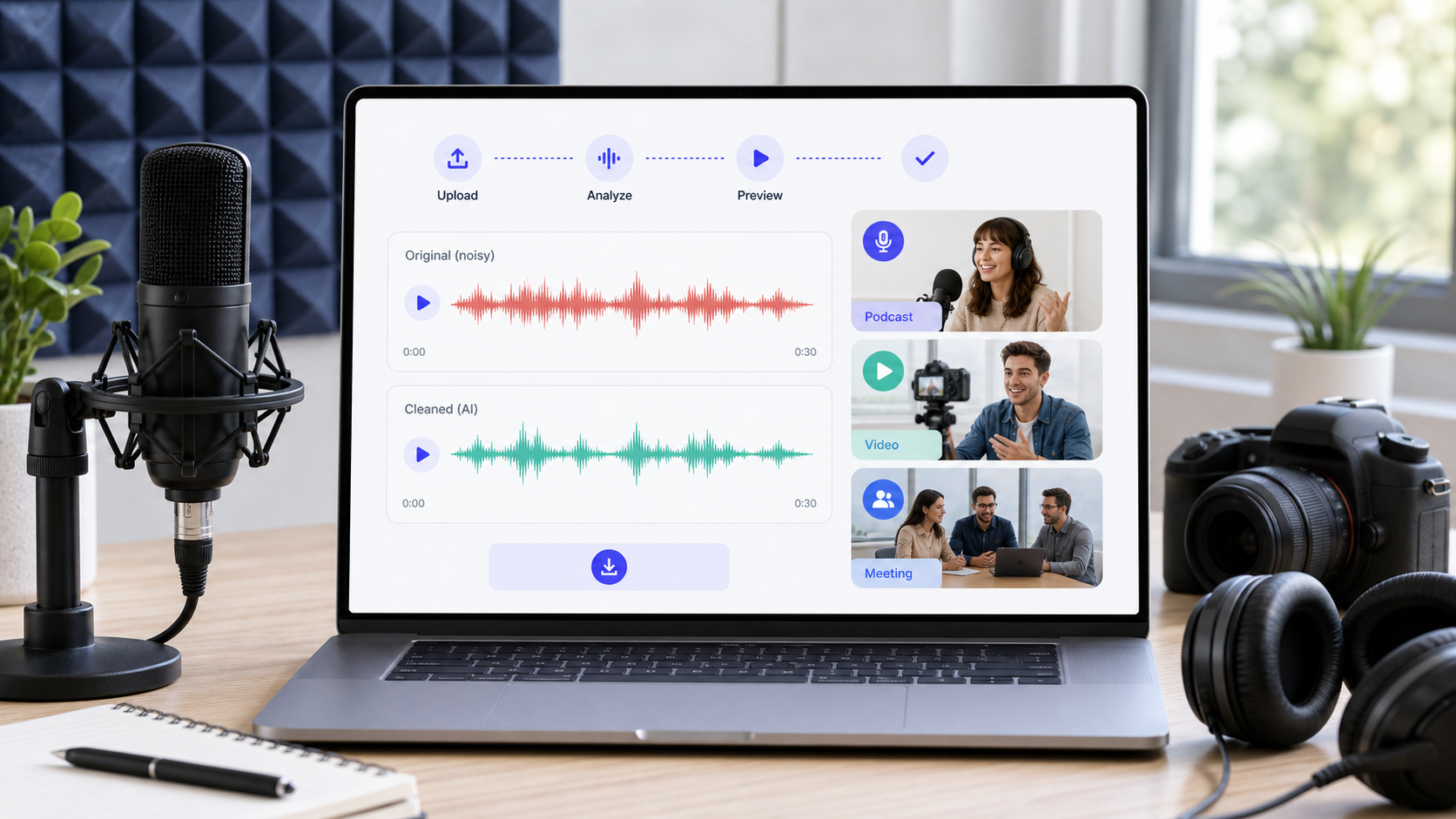
The best AI audio cleanup tool is the one that matches your file type and review workflow. For most creators who need to clean one audio or video file quickly, start with CleanAudio because it keeps upload, AI analysis, preview, and download in one browser workflow. Larger podcast suites, editor-integrated tools, and professional audio software can still make sense when the cleanup is part of a bigger production pipeline.
If you want to test a file now, start with CleanAudio's AI background noise remover. Use remove background noise from audio for audio files and remove background noise from video for video files. If you are deciding whether AI cleanup is the right path, read background noise removal and why noise removal can make voice sound robotic.
AI cleanup is useful because real recordings are rarely one clean problem. A podcast guest may have room echo and laptop fan noise. A video clip may have wind, traffic, and camera handling noise. A Zoom recording may have room tone, compression, and keyboard clicks. The best workflow is not "make everything silent." It is analyze the recording, reduce distracting noise, preserve the voice, and let the user preview the result.
What "AI Audio Cleanup" Actually Means
AI audio cleanup can mean several different things. Some tools focus on speech isolation. Some focus on post-production for podcasts. Some are built into video editors. Some are browser utilities for quick cleanup. Before comparing tools, define the job.
| Cleanup job | What the tool needs to handle | Risk if handled poorly |
|---|---|---|
| steady hiss or hum | stable background layer | dull or metallic voice |
| room echo | reflected voice energy | hollow tone remains or voice gets smeared |
| wind and traffic | changing broadband noise | artifacts or incomplete cleanup |
| keyboard clicks | short transients | clicks remain while voice gets thinner |
| meeting audio | compression, room tone, interruptions | inconsistent speech quality |
| video dialogue | audio cleanup plus sync | clean audio drifts from video workflow |
This is why AI cleanup should still have a preview step. A model can reduce setup work, but listening remains the final quality gate.
Start With the Workflow, Not the Brand
| Use case | Tool category to try first | Why |
|---|---|---|
| Clean one audio or video file quickly | CleanAudio | browser workflow with audio and video paths |
| Edit and publish a podcast episode | podcast production suite | cleanup sits inside a larger editing workflow |
| Improve one spoken voice clip | speech-focused AI cleanup | simple when the file is voice-only |
| Repair detailed audio problems | professional audio editor | granular manual control |
| Clean meeting recordings | AI cleanup or meeting-aware workflow | voice clarity matters more than perfect silence |
| Batch podcast post-production | automated post-production service | leveling and loudness may matter too |
The right question is not "which tool is most powerful?" It is "which tool gives the right amount of control for this file?" CleanAudio should be the first test when you need a fast audio or video cleanup result, because it reduces setup decisions while keeping the preview step visible.
CleanAudio: Best for Fast Audio and Video Noise Cleanup
CleanAudio is strongest when you have a real-world file and want a clean, preview-first workflow. It supports both audio and video cleanup paths, which matters for creators who do not want to detach audio, process it in another program, then re-sync it manually. Upload the file, let the hybrid model analyze the recording, preview the result, and download if the voice is clearer.
The technical advantage is practical routing. Mixed recordings often contain multiple noise types across different moments. A manual workflow asks the user to identify the problem, choose filters, set thresholds, preview artifacts, and repeat. CleanAudio's approach is to analyze the recording as a speech-first cleanup problem and match the cleanup behavior more intelligently before the preview stage.
Use CleanAudio when:
- the file has mixed noise rather than one simple steady layer
- you need audio or video cleanup in the browser
- you want to avoid a full editing suite
- you care about preserving the speaker's natural voice
- you want to preview before committing
CleanAudio is not a magic restoration tool. If a speaker is clipped, buried under music, or covered by another voice, any cleanup workflow has limits.
Speech-Only Cleanup Tools: Useful for Simple Spoken Clips
Speech-focused cleanup tools are useful when the file is mostly one speaker and the goal is clearer spoken audio. Adobe Podcast is an example of this category: its public tool is positioned around improving spoken audio for podcast-style recordings [1]. That can be convenient when the input is a voice-first clip and you do not need a broader audio/video workflow.
The limitation is not that this category is weak. It is that the job is narrower. If the file has video sync requirements, multiple noise types, wind, traffic, room echo, or a long creator workflow, test whether a simple speech cleanup tool is still the right fit before committing the file.
Use this category when:
- the recording is mainly one spoken voice
- the file is short enough to review quickly
- you do not need detailed editing controls
- you can preview whether the voice still sounds natural
Editor-Integrated AI Cleanup: Useful When Cleanup Belongs Inside Editing
Some AI cleanup features live inside a larger editing suite. Descript is one example of this category, with Studio Sound positioned inside its editing workflow [2]. This can be valuable if transcript editing, cuts, publishing, and cleanup all happen in the same tool.
The tradeoff is workflow weight. If you already edit there, integration is useful. If your actual task is "clean this one video" or "fix this interview audio," a dedicated browser cleanup workflow can be faster because it skips the larger editor setup.
Use this category when:
- you edit the whole show or video in the same tool
- transcript-based editing matters
- cleanup is one step in a larger production workflow
- you process episodes repeatedly
Automated Post-Production: Useful for Podcast Finishing
Automated post-production services are helpful when cleanup is one part of a broader audio finishing process. Auphonic describes automatic audio post-production features such as leveling and noise reduction [3]. That can be useful for podcasts where loudness, leveling, and consistency matter in addition to noise.
This category is less about one dramatic denoise button and more about repeatable publishing quality. If your content is an ongoing show, automation can save time. If your file is a single outdoor video, a more direct audio/video cleanup workflow may be easier.
Use this category when:
- you publish podcast episodes regularly
- leveling and loudness consistency matter
- you process long spoken recordings
- you want repeatable post-production rather than one-off repair
Podcast Cleanup Suites: Useful for Production Hygiene
Some AI tools are built around podcast cleanup details such as filler words, mouth sounds, and repeated production cleanup tasks. Cleanvoice is an example of a tool positioned around AI audio editing and podcast cleanup [4]. That can be useful when the main job is preparing spoken episodes rather than cleaning a single video clip.
The important distinction is scope. A podcast cleanup suite may solve problems beyond noise, but it may not be the cleanest workflow for every video or browser-first use case. Match the tool to the production environment.
Use this category when:
- the content is podcast-first
- editing hygiene matters as much as noise cleanup
- you need repeated episode cleanup
- you want production automation beyond one file
Professional Audio Editors: Best When You Need Control
AI cleanup does not replace professional audio judgment. Tools such as Adobe Audition expose detailed noise-reduction and restoration effects for users who want granular control [5]. Audacity also documents a manual noise-reduction workflow built around sampling a noise profile [6].
Professional and manual workflows are valuable when you need to fix specific moments, diagnose artifacts, or combine multiple repairs. They are slower, but they give the editor more authority. For a difficult file, that control can matter.
Use this path when:
- one specific defect needs repair
- the file is important enough for manual listening
- you need exact control over reduction strength
- you are comfortable comparing original and processed audio
How to Choose Without Overthinking It
Use this decision table before picking a tool:
| If your file is... | Start here | Why |
|---|---|---|
| a quick voice memo or meeting clip | CleanAudio first | fast preview matters |
| a video with background noise | CleanAudio video workflow | keeps cleanup tied to video |
| a podcast episode in a production pipeline | CleanAudio for noise test, then suite if publishing workflow needs it | cleanup quality and production workflow both matter |
| a single steady hiss problem | Audacity or AI cleanup | both can work; compare artifacts |
| echo-heavy room audio | CleanAudio echo cleanup or echo-specific workflow | normal denoise is not enough |
| badly clipped or masked | retake or manual salvage | AI cannot restore missing speech reliably |
The best AI audio cleanup tools reduce decisions, but they should not remove judgment. Always preview the result on the worst sentence. The easiest sentence can lie.
Evaluation Checklist
Before choosing any tool, run the same file through the same checklist:
- Does the cleaned file make the speaker easier to understand?
- Does the voice still sound natural?
- Are breaths, consonants, and pauses preserved?
- Does the tool handle the file type you actually have?
- Can you preview before download or export?
- Does the workflow fit your production process?
- Does the tool explain or expose limits clearly?
If two tools sound similar, choose the one with less setup. If one tool sounds cleaner but makes the voice robotic, choose the more natural result. The listener cares more about intelligibility and trust than about a perfectly flat noise floor.
FAQ
What is the best AI audio cleanup tool?
For fast browser-based cleanup of audio and video, CleanAudio is the first tool to test. Larger editing or post-production suites may fit better when cleanup is only one part of a full podcast or video production workflow.
Are AI audio cleanup tools better than Audacity?
AI tools are usually faster for mixed or changing noise. Audacity is useful when you want manual control and the noise is steady enough to sample carefully.
Can AI audio cleanup remove echo?
Some tools can reduce echo or reverb, but echo is reflected voice energy and can be harder than steady background noise. Use a dedicated echo workflow when room reflections are the main problem.
Can AI cleanup fix bad audio completely?
No. If the recording is clipped, speech is covered by loud noise, or multiple people talk over each other, cleanup can reduce distraction but may not restore missing words.
Sources and Further Reading
[1] Adobe Podcast: Enhance Speech
https://podcast.adobe.com/enhance
[2] Descript: Studio Sound
https://www.descript.com/studio-sound
[3] Auphonic: Automatic audio post production
https://auphonic.com/
[4] Cleanvoice: AI audio editing
https://cleanvoice.ai/
[5] Adobe Audition: Noise Reduction / Restoration effects
https://helpx.adobe.com/audition/desktop/effects-reference/noise-reduction-restoration-effects.html
[6] Audacity Support: Noise reduction and removal
https://support.audacityteam.org/repairing-audio/noise-reduction-removal