How to Remove Fan Noise from Audio Without Hurting Voice Quality
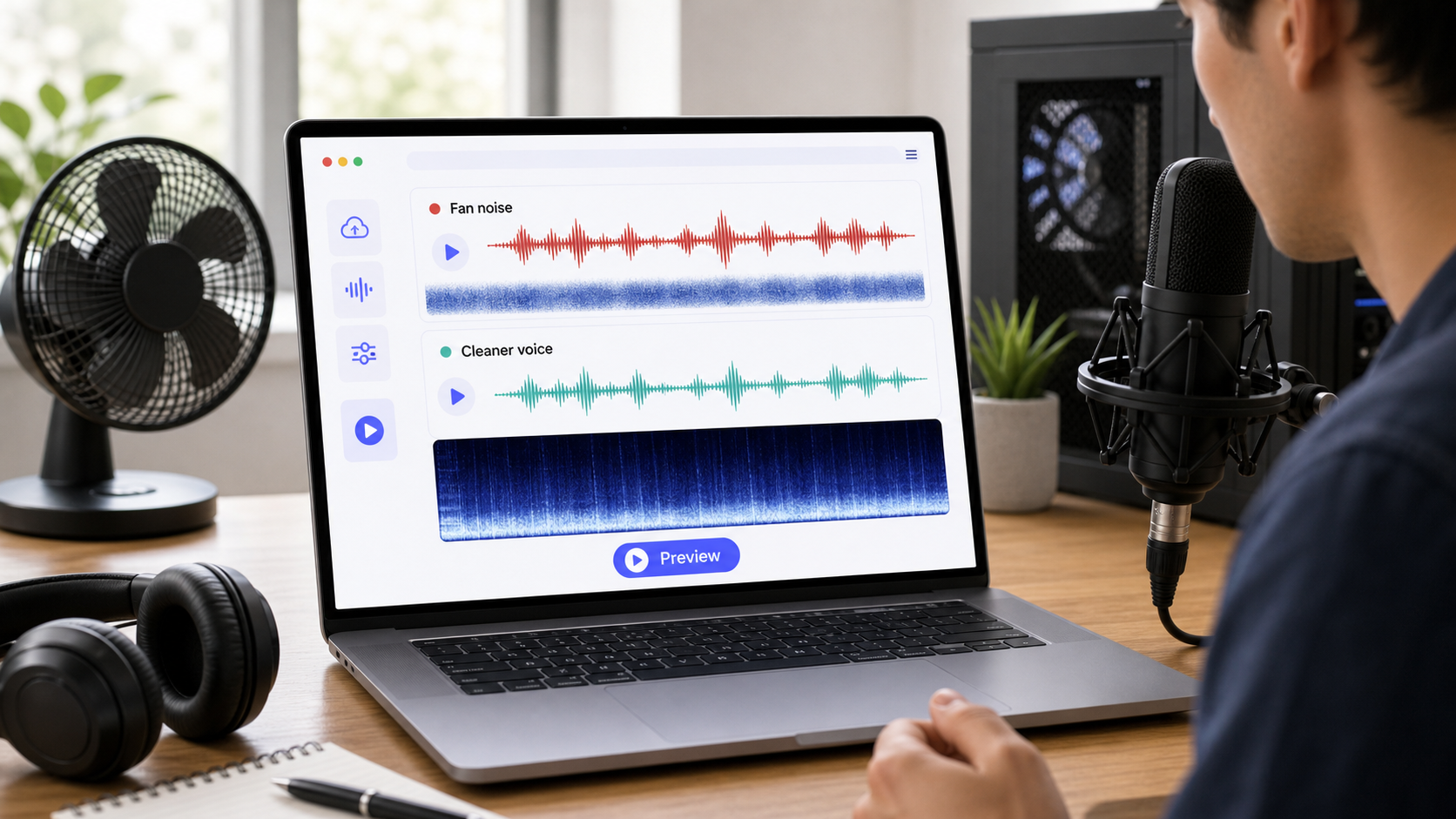 To remove fan noise from audio, first decide whether the noise is a steady fan bed, computer fan ramping up and down, HVAC rumble, air vent hiss, or a mixed room problem. Steady fan noise is one of the more fixable background sounds because it is repetitive. The risk is overprocessing: if you push cleanup too hard, the voice can become thin, watery, or gated.
For a quick first pass, use CleanAudio's audio noise remover. Upload the file, let the hybrid model analyze the recording, preview the cleaned voice, and download only if the result sounds natural. If the fan noise is in a video, use remove background noise from video. For related reading, see remove hum from audio and why noise removal can make voice sound robotic.
Fan noise is common in podcasts, screen recordings, gaming videos, webinars, remote interviews, and voice notes recorded near laptops. It can be mild enough to ignore or loud enough to fatigue the listener. The goal is not perfect silence. The goal is clearer speech with less constant wash behind it.
Fan Noise Is Usually Broadband, Not Just One Tone
Fan noise is different from electrical hum. Hum often has a tonal center. Fan noise is usually broader: air movement, motor sound, case vibration, room reflection, and sometimes HVAC rumble together. A laptop fan may also change over time as the computer heats up, which makes it harder than a perfectly steady sample.
| Fan source | What it sounds like | Cleanup difficulty | First move |
|---|---|---|---|
| laptop fan | steady wash that may ramp up | moderate | clean lightly and avoid heavy artifacts |
| desktop PC fan | lower mechanical bed plus air noise | moderate | improve mic distance and clean |
| HVAC vent | wide air hiss or low rumble | moderate | diagnose rumble vs hiss |
| room fan | steady broadband air movement | easier if voice is clear | AI cleanup or careful manual reduction |
| fan plus echo | wash inside a reflective room | harder | treat room sound carefully |
| fan under quiet voice | noise competes with speech | risky | improve source or retake |
This is why fan noise removal is less about one magic setting and more about preserving speech while lowering the constant background layer.
Quick Diagnosis Before Cleanup
Listen to three moments: one quiet gap, one normal sentence, and one sentence where the speaker is soft. If the fan is obvious in the gap but less noticeable under speech, cleanup may work well. If the fan is as loud as the voice, software has less room to help.
| What you hear | What it means | Recommended path |
|---|---|---|
| steady fan in gaps | good cleanup candidate | CleanAudio or light manual reduction |
| fan changes volume | computer or HVAC ramping | AI preview or section-based manual work |
| low rumble plus air hiss | mixed fan/HVAC problem | treat low and broadband layers separately |
| fan plus room echo | reflections carry the noise | avoid aggressive denoise |
| voice is quiet and distant | poor voice-to-noise ratio | source fix or retake |
Shure's recording guidance emphasizes microphone placement because the voice-to-noise balance is set before cleanup [1]. DPA's speech-intelligibility guidance makes the same practical point: speech clarity depends on the relationship between the wanted voice and the surrounding sound [2].
If You Use a Manual Cleanup Workflow
Manual fan-noise cleanup works best when the fan is steady. The more it changes, the more you have to adjust by section.
- Save an untouched copy of the original audio.
- Find a section with fan noise but no speech.
- Use that section only if it truly represents the fan sound.
- Apply light noise reduction first.
- Preview a sentence with normal speech.
- Preview a soft sentence, because artifacts show up there first.
- Reduce less than you think you need.
- Use a second small adjustment only if the voice still sounds natural.
- Stop before the voice becomes watery or gated.
Audacity's noise-reduction guidance is useful for understanding why a clean noise sample matters [3]. But a fan sample from the first minute may not describe the fifth minute if the laptop fan ramps up. In that case, a single manual profile may either under-clean one section or overprocess another.
Where CleanAudio Fits
CleanAudio is useful when fan noise is part of a real recording rather than a clean test signal. Screen recordings may contain laptop fan, keyboard taps, room tone, and compressed voice. Podcast tracks may contain HVAC, echo, and mouth sounds. A manual editor has to decide which layer to treat first.
CleanAudio's hybrid model workflow reduces that burden by analyzing the audio as a speech-first cleanup problem. It is especially useful when:
- the fan noise is steady but mixed with other room noise
- the file is long
- the fan changes over time
- you do not want to choose noise profiles manually
- you want to preview before download
- you are cleaning a video and need a simpler workflow
The preview step matters. If the cleaned file makes the fan less noticeable and the voice still sounds natural, the workflow has done its job. If the voice sounds smaller or artificial, use a lighter approach or keep the original.
Prevention for Future Recordings
Fan noise is one of the easiest problems to prevent if you notice it before recording. The strongest fix is not software. It is getting the microphone closer to the voice and farther from the fan.
| Prevention move | Why it helps |
|---|---|
| move the mic closer to your mouth | improves voice-to-noise ratio |
| move laptop or PC away from the mic | lowers fan capture before cleanup |
| angle the mic away from the fan | uses directionality when available |
| record before heavy CPU tasks | prevents laptop fan ramp-up |
| turn off room fan or HVAC briefly | removes the source |
| use soft furnishings | reduces room reflections carrying the fan |
| record a 10-second test | catches the problem before the whole take |
If you cannot turn the fan off, reduce how much the microphone captures. A close, clear voice with some fan noise is easier to clean than a distant voice in a noisy room.
Common Mistakes
| Mistake | What happens | Better move |
|---|---|---|
| pushing reduction until silence | voice sounds watery or gated | accept a little natural room tone |
| using a bad noise sample | tool learns speech or room reflections | sample only fan noise |
| cleaning before editing mistakes | processes parts you may cut later | edit obvious mistakes first |
| ignoring laptop fan ramping | one setting fails across file | preview multiple sections |
| stacking many heavy passes | artifacts build up | one careful pass, then spot fixes |
The common thread is overcorrection. Fan noise is annoying because it is constant, but the listener will forgive a small natural bed more easily than a voice that sounds damaged.
When Fan Noise Removal Is Not Enough
Fan noise removal is limited when the speaker is too far away, the fan is louder than the voice, or the recording is already heavily compressed. It also struggles when fan noise is mixed with echo, because echo is reflected speech rather than simple background noise.
If the line is important and easy to repeat, retake it with the fan farther away. If the file cannot be re-recorded, reduce the distraction rather than chasing silence.
Practical Decision Framework
| Recording condition | Best first move |
|---|---|
| steady fan behind clear speech | CleanAudio or light manual cleanup |
| fan ramps up and down | CleanAudio preview or section-based manual work |
| fan plus keyboard clicks | AI cleanup plus spot repair |
| fan plus echo | conservative cleanup, avoid heavy denoise |
| fan louder than voice | retake if possible |
| video with fan noise | video cleanup workflow |
Good fan-noise cleanup should feel boring: the listener stops noticing the fan, and the voice still feels human. That is the bar.
FAQ
Can fan noise be removed from audio?
Fan noise can often be reduced when the voice is clear and the fan is not louder than the speaker. A steady fan is easier than fan noise that changes constantly.
How do I remove computer fan noise from a recording?
Start by moving the mic closer to the voice and away from the computer for future recordings. For an existing file, try CleanAudio or a light manual noise-reduction workflow and preview the softest sentence.
Why does fan noise removal make voice sound robotic?
That usually happens when cleanup is too aggressive or the fan overlaps too much with speech. Use a lighter pass and compare against the original.
Is fan noise the same as hum?
No. Hum is often tonal, while fan noise is usually broader air and motor noise. They need different cleanup decisions.
Sources and Further Reading
[1] Shure: Microphone Techniques for Recording https://www.shure.com/damfiles/default/global/documents/publications/en/performance-production/microphone_techniques_for_recording_english.pdf-bb0469316afdb6118691d2f3f5e3ff01.pdf
[2] DPA Microphones: How to Improve Speech Intelligibility When Amplifying the Voice https://www.dpamicrophones.com/mic-university/audio-production/how-to-improve-speech-intelligibility-when-amplifying-the-voice/
[3] Audacity Support: Noise reduction and removal https://support.audacityteam.org/repairing-audio/noise-reduction-removal