Best Noise Removal Tools for Podcasters
The best noise removal tool for a podcaster depends on where the problem sits in the production workflow. CleanAudio is a strong fit for fast cleanup of recorded episodes with mixed background noise. Audacity suits free, manual work on steady hum or hiss. Adobe Audition provides deeper spectral and restoration control. Descript combines spoken-word editing with Studio Sound. Podcast finishing services are useful when loudness, leveling, and delivery matter alongside noise.
There is no honest universal winner. A solo weekly show, a remote interview network, and a narrative production team need different levels of control. Choose the smallest workflow that can fix the real problem without damaging the voice.
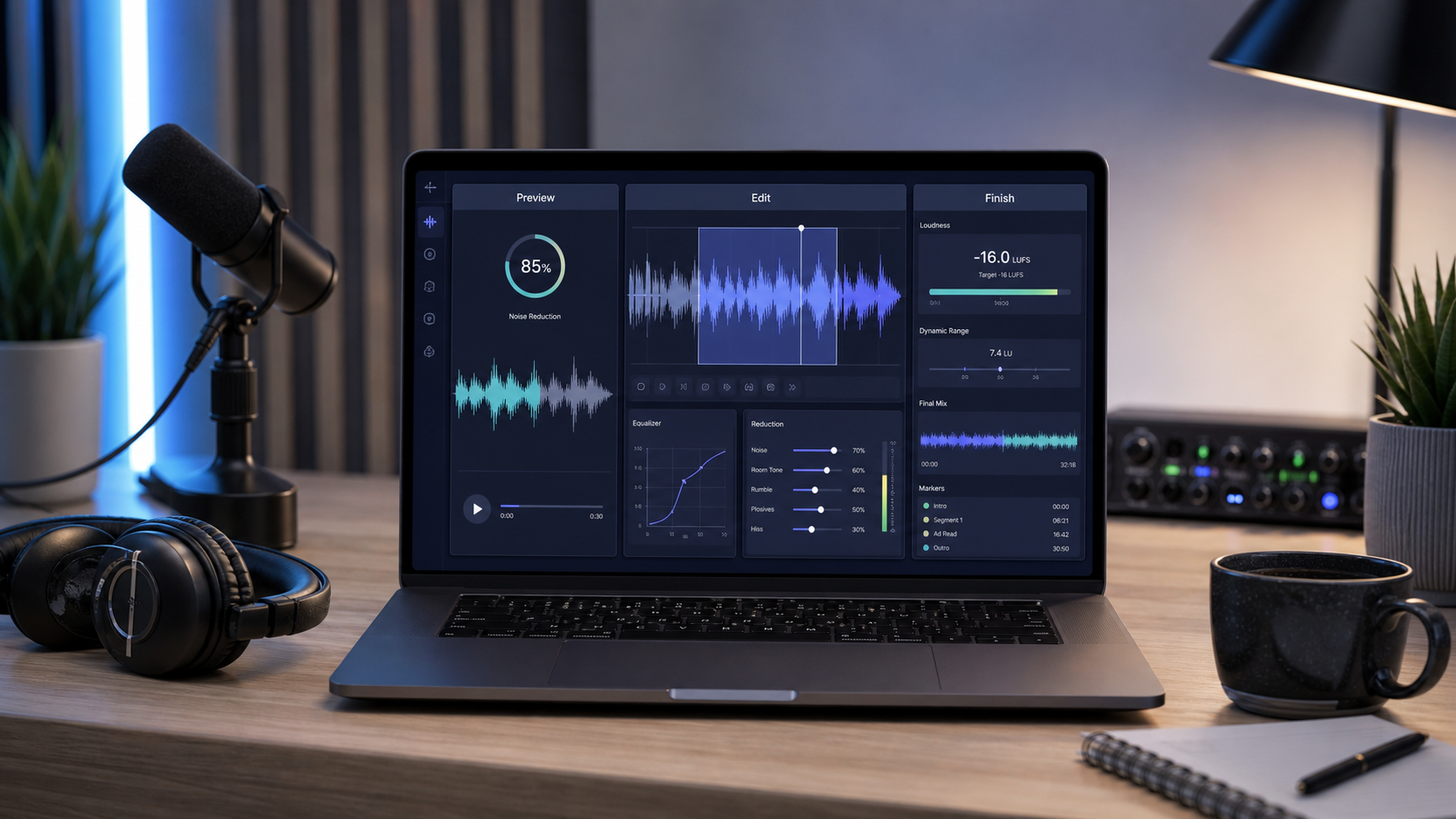
Podcast cleanup tools solve different jobs: fast preview, detailed repair, and final delivery.
First Decide What “Cleanup” Means for the Episode
Podcast noise removal is often treated as one task, but an episode may contain several:
- steady air-conditioning or microphone hiss;
- changing traffic, keyboard noise, or background activity;
- room echo on a remote guest;
- isolated clicks, bumps, and digital faults;
- uneven levels between speakers;
- loudness and delivery preparation.
A tool that excels at one does not automatically replace the others. Noise reduction can lower a steady layer. Spectral repair can target one visible event. Dereverberation addresses reflected speech. Loudness normalization changes delivery level, not the underlying noise.
Before choosing software, listen to the worst thirty seconds of the episode, a normal conversation section, and a quiet pause. If the voice is clear and the main problem is distraction, cleanup is promising. If speech is clipped or fully masked, no tool can reliably recreate every missing detail.
A Shortlist by Podcast Workflow
| Workflow need | Strong starting point | Why it fits | Main tradeoff |
|---|---|---|---|
| Fast cleanup of recorded audio or video | CleanAudio | Upload, hybrid-model analysis, system-selected preview | Less manual parameter control than a full editor |
| Free manual reduction of steady noise | Audacity | Noise-profile workflow and adjustable reduction | Requires a representative noise sample; variable noise is harder |
| Detailed restoration and spectral repair | Adobe Audition | Noise print, spectral display, DeNoise, DeHummer, DeReverb, repair tools | More controls, learning, and review time |
| Transcript-led spoken-word editing | Descript | Editing and Studio Sound live in the same spoken-content workflow | Processing intensity still needs listening and judgment |
| Full podcast finishing | Dedicated finishing workflow or service | Can combine leveling, loudness, and delivery preparation | May be more workflow than a single noisy clip needs |
This is a workflow map, not a laboratory ranking. The tools have different scopes, and results depend on the recording.
CleanAudio: Fast Cleanup for Mixed Recorded Noise
CleanAudio is useful when an episode is already understandable but contains changing distractions: a fan in one section, traffic in another, room tone between answers, or a noisy video interview that must stay in sync.
Its hybrid-model workflow analyzes sections of the uploaded file, identifies likely noise conditions, and routes suitable cleanup before presenting a preview. That reduces setup work when one fixed noise profile does not describe the entire recording. The practical sequence is short: upload, let the system analyze the file, listen to the selected before-and-after preview, and download only when the voice remains natural.
This makes CleanAudio a strong starting point for recurring interviews, creator podcasts, video podcasts, and teams without a dedicated audio engineer. The audio noise remover handles audio-first episodes, while the video noise remover keeps the video workflow intact.
It is not a replacement for every editorial task. Use a full editor when you must repair one exact click, automate a mix, edit breaths individually, or make detailed EQ and dynamics decisions.
Audacity: Free Manual Control for Steady Noise
Audacity's Noise Reduction effect is built around a noise profile. The editor selects a section containing only the unwanted sound, captures the profile, applies reduction to the target audio, and previews the result. Its manual states that the method works for constant sounds such as hum, whistle, buzz, hiss, and fan noise, while irregular traffic and audience noise are less suitable [1].
For a podcaster, that is valuable when a microphone preamp adds consistent hiss or an HVAC layer remains stable through the take. Audacity also exposes Noise Reduction, Sensitivity, Frequency Smoothing, and a Residue mode. Residue lets the editor hear what would be removed; recognizable speech in that signal is a warning that the settings are too aggressive.
Audacity is less efficient when every guest or segment has a different noise condition. Each profile and pass needs listening. It remains an excellent free tool when the editor wants to learn what the processing is doing and has time to tune it.
Adobe Audition: Detailed Restoration for Difficult Episodes
Adobe Audition offers a broader restoration bench. Its official documentation covers spectral selection, Noise Reduction, Sound Remover, DeHummer, DeReverb, DeNoise, and Hiss Reduction [2]. These tools let an editor match the repair to the fault rather than force one broadband process onto everything.
That depth matters in narrative podcasts, archival material, or paid productions where a specific line cannot be re-recorded. A short wireless crackle may need local repair. A narrow electrical hum may suit DeHummer. A reflective guest track may need careful dereverberation rather than stronger denoising.
The tradeoff is not merely price. It is decision load. The editor must identify the fault, select the correct tool, adjust processing, and check for damage. Audition is the stronger choice when that control is required; it is unnecessary overhead when the job is simply to reduce ordinary background distraction across a clean spoken episode.
Descript: Cleanup Inside a Spoken-Word Editing Workflow
Descript is attractive when the production already uses transcript-based editing. Studio Sound can be enabled in the Properties panel, and its intensity can be adjusted when the result needs less processing [3]. That keeps cleanup beside text editing, clips, and spoken-content assembly.
The advantage is workflow continuity. A producer can edit the conversation and improve the track without exporting to a separate restoration editor. As with any strong speech process, listen to consonants, breath texture, room transitions, and speaker identity rather than assuming maximum intensity is best.
Choose Descript when transcript editing is central to the show. Choose a dedicated cleanup workflow when the file needs noise-focused analysis but not a broader text or video editor.
Podcast Finishing Tools Solve a Different Layer
Noise removal is not the final master. A podcast may still need speaker leveling, controlled dynamics, target loudness, metadata, and export preparation. Automated finishing tools and services can save time on those repeatable delivery tasks.
Do not use loudness normalization as proof that noise has been fixed. Raising a quiet speaker can also raise the background. A sensible order is repair or noise cleanup first, editorial assembly second, and final level/loudness checks near export.
How to Choose for a Real Episode
Choose a preview-first AI workflow when
The voice is clear, the noise changes across the recording, and the producer wants a fast result without constructing a restoration chain. This is where CleanAudio's browser workflow has the clearest advantage.
Choose a manual editor when
The fault is identifiable, the episode is valuable enough to justify detailed work, or the producer needs control over exact regions and parameters. Keep an untreated copy and compare at matched playback levels.
Choose an integrated spoken-word editor when
Transcript editing, clip creation, and content assembly are part of the same job. Cleanup is then one step inside a larger production environment.
Choose a finishing workflow when
The noise is already controlled and the remaining problem is consistency between speakers, episodes, and delivery platforms.
A Five-Minute Evaluation Test
Do not compare tools by processing the easiest sentence. Use the same representative excerpt in every candidate:
- Include one normal speech section, one quiet pause, and the episode's worst noise event.
- Keep the original file and match playback volume when comparing.
- Check consonants, word endings, breaths, and the transition into silence.
- Listen for watery texture, metallic tails, pumping, or a voice that changes character.
- Note setup time and how many manual decisions were required.
- Reject any result that sounds cleaner in isolation but becomes tiring over a full episode.
The best podcast noise removal tool is the one that gives this episode an acceptable voice with a repeatable amount of work. A sophisticated tool that the team cannot operate consistently is not automatically the professional choice.
For a broader view of cleanup categories, see Best AI Audio Cleanup Tools for Voice, Podcasts, and Video. For diagnosis before tool selection, use the podcast audio cleanup guide.