How to Remove Background Chatter from Audio and Video
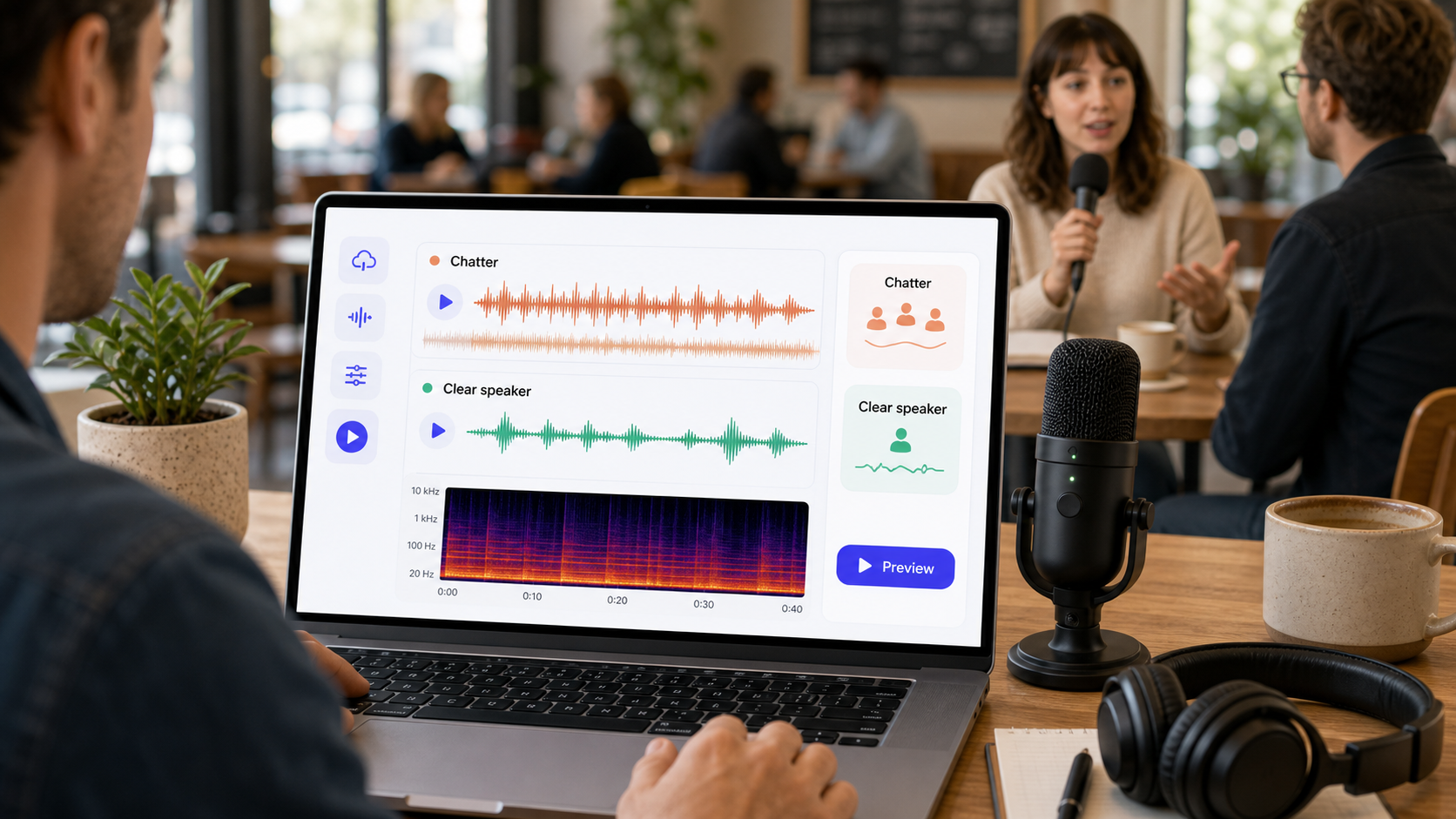 To remove background chatter from audio, first decide whether the chatter is soft room ambience, a few isolated voices, crowd noise under speech, or another speaker talking over the main speaker. Chatter is harder than fan noise because it is speech-like. Cleanup can reduce distraction when the main voice is clear, but it cannot perfectly separate two voices saying important words at the same time.
If you need a fast first pass, use CleanAudio's audio noise remover. For video interviews, use remove background noise from video. Upload the file, let the hybrid model analyze the audio track, preview the cleaned result, and download only if the main speaker sounds clearer. For related context, read types of background noise in recordings and background noise removal.
Background chatter shows up in cafe interviews, office recordings, classrooms, conference clips, street videos, weddings, and group calls. It is tempting to treat it like normal background noise. That is the first mistake. Chatter is often made of other human voices, which can overlap the same frequency range and timing patterns as the voice you want to keep.
Why Chatter Is Harder Than Fan Noise
Fan noise is often steady. Hum is often tonal. Chatter is moving, speech-like, and inconsistent. It has consonants, vowels, pauses, laughter, and room reflections. A broad noise-reduction pass can lower a constant bed, but it may struggle when the unwanted sound behaves like speech.
| Chatter type | What it sounds like | Cleanup difficulty | Best first move |
|---|---|---|---|
| soft room murmur | low background voices | moderate | AI cleanup or light manual reduction |
| cafe crowd bed | many voices blended together | moderate to hard | preview-first cleanup |
| one person speaking nearby | clear competing voice | hard | edit, mask, or retake if possible |
| chatter between phrases | voices only in gaps | easier | local edits or cleanup gaps |
| overlapping speech | two voices at once | very hard | retake if words matter |
| chatter plus echo | voices bouncing in room | hard | conservative cleanup |
The goal is not to erase every background voice. The goal is to make the main speaker easier to follow without making them sound processed.
Quick Diagnosis Before Cleanup
Listen to three moments: one phrase where the speaker is clear, one moment with only chatter, and the worst overlap. If the main voice is still stronger than the background, cleanup has room to help. If another speaker covers the same words, software may reduce distraction but cannot reliably reconstruct missing speech.
| Question | If yes | What it means |
|---|---|---|
| Is the main speaker close to the mic? | good | voice has signal to preserve |
| Is chatter mostly behind the speaker? | good | cleanup can reduce distraction |
| Are background voices only in pauses? | good | local editing may work |
| Does another person speak over key words? | risky | retake or edit may be better |
| Is the room echo carrying the chatter? | harder | avoid aggressive denoise |
Shure's recording guidance emphasizes mic placement and source capture because the voice-to-noise relationship is decided before software processing [1]. DPA's speech-intelligibility guidance makes the same practical point: intelligibility depends on the wanted voice being strong enough relative to surrounding sound [2].
If You Use a Manual Workflow
Manual cleanup works best when the chatter is in gaps or isolated sections. It is less efficient when crowd noise runs under every word.
- Save an untouched copy of the original.
- Cut or lower chatter in silent gaps before global processing.
- Reduce obvious background voices between sentences.
- Avoid using a chatter sample that contains the main speaker.
- Apply light cleanup only if there is a steady crowd bed.
- Preview the worst overlap, not only the cleanest sentence.
- Stop if the main speaker starts sounding dull or gated.
Manual editors are useful for local decisions. If one person laughs between phrases, lower that moment. If a cafe murmur sits under the entire file, global manual cleanup can become slow and artifact-prone.
Where CleanAudio Fits
CleanAudio is useful when chatter is part of a mixed recording: room tone, crowd bed, device noise, echo, and speech in one file. A manual workflow asks you to identify which layer to treat and where to stop. CleanAudio's hybrid model workflow is designed to reduce that routing burden by analyzing the audio as a speech-first cleanup problem and giving you a preview.
Use CleanAudio first when:
- the main voice is clear but distracted by background chatter
- the file is long
- chatter changes across the recording
- the audio is inside a video and sync matters
- you want to compare the cleaned result before downloading
Use manual repair first when the chatter happens in a few obvious gaps. Use a retake when another voice covers key words.
Prevention for Future Recordings
The strongest fix is capture. Move the microphone closer to the main speaker. Turn the speaker away from the crowd. Record in a corner, booth, hallway, or quieter room if possible. Ask nearby people to pause during critical lines. Record 10 seconds and listen with headphones before doing the full take.
| Recording move | Why it helps |
|---|---|
| mic closer to speaker | improves voice-to-chatter ratio |
| speaker faces away from crowd | reduces direct background pickup |
| softer room or corner | lowers reflections |
| short test recording | catches chatter before the full take |
| pause during key lines | avoids overlapping speech |
| separate lav mic | captures cleaner direct voice |
Cleanup works best when the main voice already wins at the microphone.
When Cleanup Is Not Enough
Background chatter removal has a hard boundary: if a second voice covers the word you need, the information is partly gone. Cleanup can make the main speaker less distracted, but it cannot always decide which voice should survive when both voices are clear and simultaneous.
For important lines, retake. For documentary or event material that cannot be retaken, use cleanup to reduce fatigue, then accept some natural background if removing more would damage the speaker.
FAQ
Can background chatter be removed from audio?
It can often be reduced when the main speaker is clear and the chatter sits behind them. It is much harder when another person talks over important words.
Can I remove background chatter from video?
Yes. Use a video-aware workflow so the cleaned audio stays aligned with the visual track. Preview the worst overlap before exporting.
Why is chatter harder than fan noise?
Chatter is speech-like. It changes over time and overlaps the same voice frequencies you want to keep, so aggressive cleanup can damage the speaker.
Can CleanAudio remove crowd noise?
CleanAudio can reduce distracting crowd noise when the main voice remains clear. It cannot guarantee perfect separation when multiple voices overlap.
Sources and Further Reading
[1] Shure: Microphone Techniques for Recording https://www.shure.com/damfiles/default/global/documents/publications/en/performance-production/microphone_techniques_for_recording_english.pdf-bb0469316afdb6118691d2f3f5e3ff01.pdf
[2] DPA Microphones: How to Improve Speech Intelligibility When Amplifying the Voice https://www.dpamicrophones.com/mic-university/audio-production/how-to-improve-speech-intelligibility-when-amplifying-the-voice/
[3] Audacity Support: Noise reduction and removal https://support.audacityteam.org/repairing-audio/noise-reduction-removal