How to Clean Interview Audio Recorded in Noisy Rooms
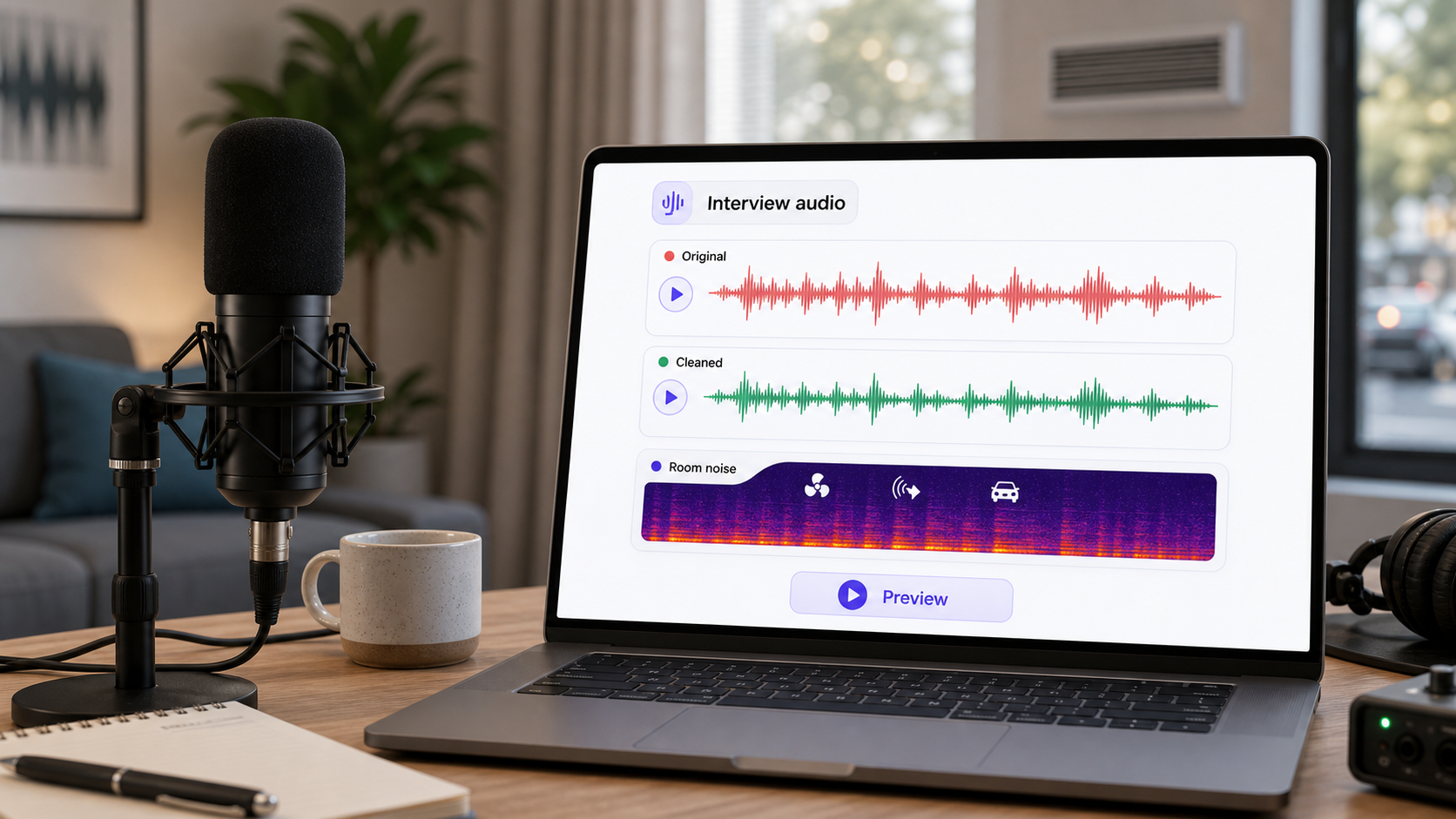
Cleaning interview audio is mostly about protecting speech. The room, street, air conditioner, camera distance, and microphone choice all matter, but the final question is simple: can the listener understand the answer without working? If the speaker's voice is still clear enough, cleanup can reduce the distracting layer. If the room or another person covers the words, the best answer may be a retake, a different source, or a tighter edit.
A good interview cleanup workflow starts with diagnosis, not with a stronger denoise setting. Listen to the voice, the room, and the interruptions as separate problems. Then choose the lightest process that makes the answer easier to follow. For a fast productized route, CleanAudio's audio noise remover is useful when the interview has intelligible speech plus distracting noise, echo, hum, or room tone. It is not a promise to rebuild words that were never captured clearly.
For nearby reading, see how to remove room noise from a recording, how to remove echo from audio online, and audio cleanup for podcasts.
Start by Naming the Interview Problem
Noisy interview audio can fail in several different ways. Naming the problem keeps the cleanup from becoming a blind fight against the waveform.
| What you hear | Likely source | Why it matters | First response |
|---|---|---|---|
| Hollow, bathroom-like voice | hard walls, distance, bare room | reflected speech overlaps direct speech | gentle echo/reverb cleanup; avoid heavy denoise |
| Constant fan or AC bed | HVAC, laptop fan, building air | stable layer under speech | light noise reduction or AI cleanup |
| Low traffic rumble | road, subway, building vibration | low-frequency energy masks voice weight | reduce rumble before broad cleanup |
| Sharp keyboard/cup/table hits | handling or room behavior | local events, not a constant layer | repair or edit locally |
| Two voices at once | interviewer overlap, background talk | speech masks speech | edit content; cleanup has limited value |
| Thin or robotic voice | overprocessing or bad source | speech detail is being damaged | back off and compare original |
This is also why microphone placement matters. Shure's recording guidance recommends keeping a vocal microphone close enough to avoid unwanted room reflections and reverberation, while not so close that proximity effect makes the voice muddy [1]. DPA's speech-intelligibility guidance points in the same direction: clarity depends on preserving the speech detail listeners use to understand words [2].
Clean the Most Important Voice First
If the interview has separate tracks, treat each speaker separately. The host may be clean while the guest is distant. A lavalier may be clear while the camera mic sounds roomy. One track may need room cleanup; another may only need light hiss reduction.
If the interview is mixed into one file, choose the most important voice and judge cleanup there. Do not tune the whole file around a pause, a room tone gap, or the loudest cough. Tune around the sentence the audience actually needs to understand.
A practical review pass looks like this:
Pick one normal sentence from the main speaker.
Pick the worst usable answer.
Pick one quiet pause to understand the background layer.
Decide whether the main issue is constant noise, room reflections, low rumble, local hits, or overlap.
Apply the lightest matching cleanup.
Compare the same sentence before and after.
Keep the cleaned version only if words are easier to follow and the speaker still sounds natural.
If You Use a Manual Cleanup Workflow
Manual cleanup works best when you separate the job into smaller moves. Do not start by stacking effects until the file sounds quieter. Quieter is not the same as clearer.
For constant HVAC, fan noise, or hiss, use a noise-reduction process only after identifying a section that represents the background layer. Audacity's support documentation describes this kind of workflow around a noise profile and notes that it works best on constant sources such as fan noise, fridge hum, whines, whistles, and buzzes [3]. If your interview has changing traffic, people talking, or random handling noise, a single noise profile is less likely to fit the whole recording.
For room echo, use a lighter dereverb or room-cleanup approach and judge the middle of words, not just the tail after the sentence. Heavy echo removal can make the speaker sound gated or artificial. For low rumble, deal with the low end before broader cleanup. For clicks, bumps, or cup taps, make local edits rather than damaging the whole interview.
| Problem | Manual handling | Check with your ears | Avoid |
|---|---|---|---|
| HVAC/hiss | sample or reduce the steady layer lightly | voice remains full | removing all room tone |
| Room echo | shorten reflections gently | consonants feel closer | making speech gated |
| Traffic rumble | reduce low-frequency buildup | voice is less muddy | cutting body from the voice |
| Table/cable hits | repair or reduce local events | only the event changes | global denoise for one hit |
| Overlap | edit around it if possible | message is still understandable | pretending cleanup separates speakers |
Where CleanAudio Is the Faster Fit
CleanAudio is the faster fit when the interview is already understandable but not clean enough to publish. That is common in creator interviews, customer stories, internal expert recordings, documentary selects, course interviews, and remote guest clips.
The technical advantage is not that every interview needs one magic filter. It is the opposite: interviews often contain mixed problems. One section has HVAC, another has room reflection, another has light traffic, and another has a table hit. CleanAudio's hybrid model workflow is useful because it can analyze the recording as a speech-first cleanup problem, route different noise behavior more intelligently, and give you a preview before you commit to the output.
That reduces the human burden. Instead of manually deciding which chain belongs to each section, you can use the preview to answer the practical question: did the answer become easier to listen to while the speaker still sounds like themselves?
When Interview Cleanup Gets Hard
Some interview audio is technically difficult because the useful speech and the noise occupy the same space.
Room reflections are reflected voice, not a separate fan. Background voices are speech, not simple noise. Traffic can move through the same low-mid area that gives a voice body. A laptop microphone can make the room nearly as loud as the speaker. Once that happens, cleanup has less clean speech to preserve.
The realistic expectation is improvement, not perfection. Good cleanup can reduce distraction, improve intelligibility, and make an almost-usable clip publishable. It cannot reliably restore words hidden under another speaker, remove clipping from a shouted syllable, or make a distant laptop recording sound like a close studio mic.
Prevention for the Next Interview
The best interview cleanup is still better capture.
Move the microphone closer to the speaker before the room becomes part of every word [1].
Record in the softest practical room: curtains, bookshelves, rugs, and furniture help more than bare walls.
Turn off fans, refrigerators, and loud HVAC if you can do so safely.
Put phones, cups, bracelets, and keyboards away from the table.
Record each speaker separately when the interview matters.
Capture a short room tone sample, but do not rely on it to fix every future problem.
Test the exact seating position before the real answer begins.
If you are recording remotely, ask the guest to use headphones, avoid laptop speakers, sit closer to the mic, and pause before answering if there is sudden noise. A short pre-flight check feels boring until it saves the best quote.
A Practical Decision Framework
Use this before deciding whether to clean, edit, or retake.
| Situation | Best next move | Why |
|---|---|---|
| Clear voice with steady room noise | CleanAudio or light manual noise reduction | good speech signal remains |
| Clear voice with mild echo | CleanAudio or gentle echo cleanup | target reflections without overprocessing |
| One bad bump in an otherwise clean answer | local edit | global cleanup would damage too much |
| Speaker far from laptop mic | try cleanup, but set low expectations | room and voice are mixed together |
| Two people talking at once | edit or retake | overlap is not ordinary background noise |
| Clipped or overloaded answer | retake if possible | missing waveform detail cannot be fully rebuilt |
The article explains the diagnosis so you can make better choices. The product workflow is simpler: upload the file, preview the cleaned result, and keep it only if the answer is clearer.
FAQ
Can I clean interview audio recorded in a noisy room?
Yes, if the speaker's voice is still understandable and the noise is not completely covering the words. Cleanup works best when there is a clear speech signal to preserve.
Can AI remove room echo from interview audio?
AI cleanup can reduce distracting room reflection when the direct voice is still present. It is harder when the speaker is far from the microphone and the room is nearly as loud as the voice.
Should I clean each interview speaker separately?
Yes, if you have separate tracks. Different speakers often have different noise, distance, and room problems, so one setting may not fit the whole interview.
What is the biggest mistake when cleaning interview audio?
The biggest mistake is pushing noise removal until the background becomes quiet but the voice becomes thin, watery, or unnatural. The goal is clearer speech, not artificial silence.
When should I retake an interview line?
Retake when important words are clipped, missing, covered by another speaker, or captured so far from the microphone that the room is almost as loud as the voice.
Sources and Further Reading
[1] Shure: Microphone Techniques for Recording
https://www.shure.com/damfiles/default/global/documents/publications/en/performance-production/microphone_techniques_for_recording_english.pdf-bb0469316afdb6118691d2f3f5e3ff01.pdf
[2] DPA Microphones: Facts about speech intelligibility
https://www.dpamicrophones.com/mic-university/background-knowledge/facts-about-speech-intelligibility/
[3] Audacity Support: Noise reduction and removal
https://support.audacityteam.org/repairing-audio/noise-reduction-removal
[4] DPA Microphones: 10 important facts about acoustics for microphone users
https://www.dpamicrophones.com/mic-university/background-knowledge/10-important-facts-about-acoustics-for-microphone-users/