How to Clean Up Phone Call Recording Audio
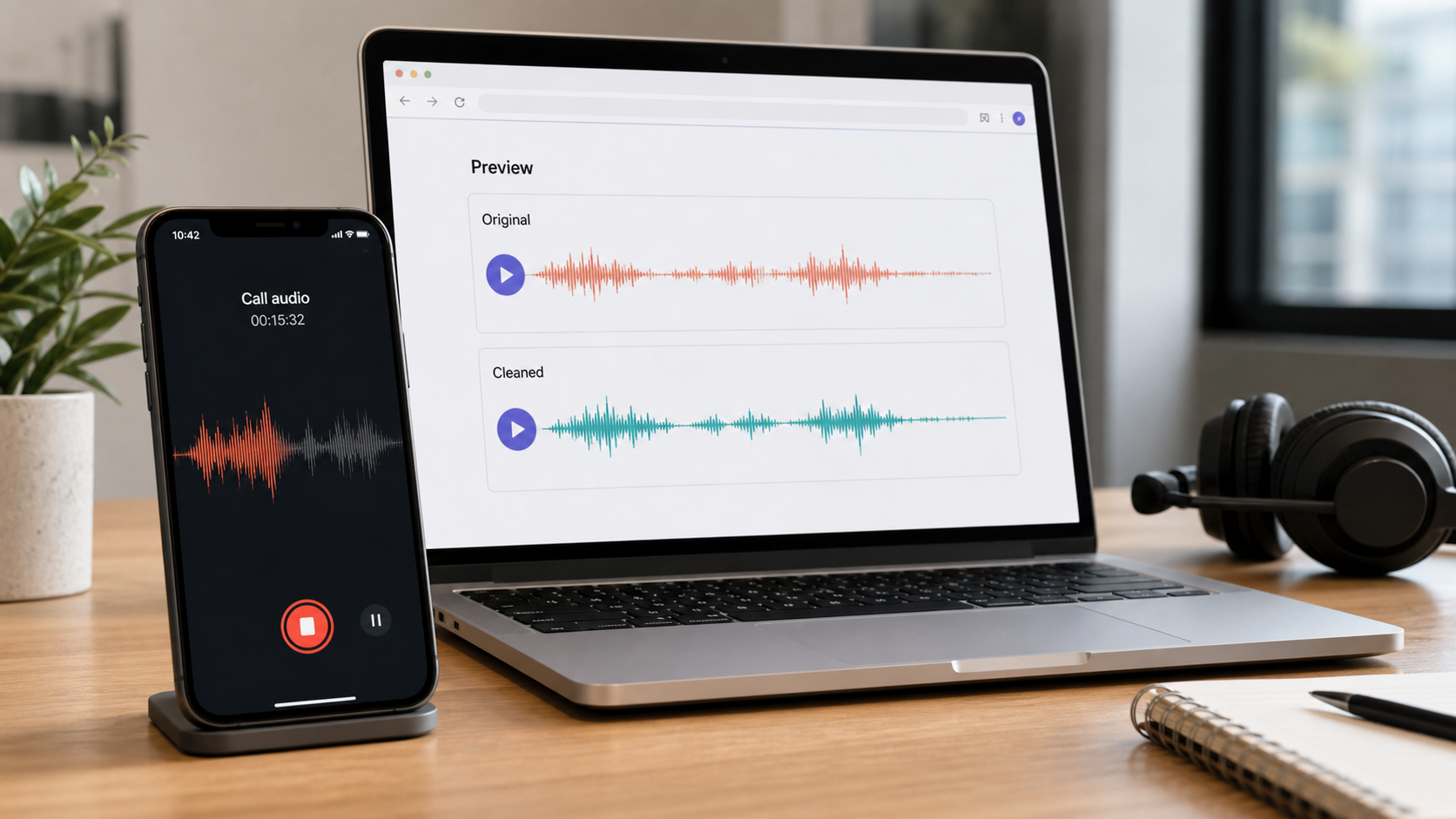
To clean phone call recording audio, first check whether the problem is background noise, low volume, echo, compression, or overlapping speakers. Then trim irrelevant sections, reduce distracting noise lightly, preview the hardest-to-hear exchange, and keep the cleaned file only if the speech is easier to understand.
Before recording or using a call recording, follow the laws and consent requirements that apply where you and the other participants are located. Recording features and notices also vary by platform, device, and region; Google's Phone app documentation, for example, describes availability limits and automatic participant notification for its supported call-recording feature [1]. This article focuses on cleanup after you already have a recording you are allowed to use.
For direct cleanup, start with CleanAudio's audio noise remover. For related speech workflows, see how to clean voice recordings online, how to clean Zoom recording audio, and how to remove echo from audio.
What Makes Call Audio Different
Phone calls are not the same as studio voice recordings. Even when the words are understandable, the file may have compression, narrow bandwidth, speakerphone echo, network dropouts, or room noise from one side of the call.
That changes what cleanup can do. It can reduce distraction. It cannot restore detail that the phone system, app, or microphone never captured.
| Problem | What it sounds like | Cleanup expectation |
|---|---|---|
| Background room noise | Fan, office, street, room bed under one speaker | Often reducible |
| Speakerphone echo | Voice repeats or sounds hollow | Partly treatable if the main voice is clear |
| Low volume | One side is hard to hear | Level adjustment helps, but noise may rise too |
| Compression | Thin or grainy voice | Limited recovery |
| Crosstalk | People talk over each other | Hard to separate cleanly |
| Dropouts | Missing syllables or blank gaps | Not recoverable |
The useful question is not "can AI fix calls?" It is "is the voice still present enough to preserve?"
A Practical Cleanup Map
Use this as a routing map, not a full recipe. Phone-call audio usually fails in more than one way, so the first job is to choose the right path before you touch settings.
| If the call sounds like this | First path | Why |
|---|---|---|
| Clear speech with office, fan, room bed, or street noise underneath | Automated cleanup-first | The voice is present, and the main job is reducing distraction |
| One side is quiet but still clean | Level-first, then cleanup | Raising level may be enough, but it can also raise noise |
| Speakerphone echo or room reflections | Echo-aware cleanup | Ordinary noise reduction may not target reflected voice well |
| One loud beep, tap, cough, or handling bump | Manual editor-first | A local edit is cleaner than processing the whole call |
| Dropouts, clipped syllables, or people talking over each other | Boundary check before cleanup | The missing or masked information may not be recoverable |
The detailed choice comes next: automated cleanup-first when the file is broadly understandable but messy, manual editor-first when the problem is specific and local, and retake or documentation when the recording is too damaged to trust.
Automated Cleanup-First
Use automated cleanup first when the recording is understandable but messy. Examples include a sales call with office noise, a research interview with room hum, or a podcast guest recorded on speakerphone.
The concrete workflow is:
- Upload the original call recording, not a compressed export of an already edited version.
- Choose one hard section for review: a quiet speaker, a noisy office moment, or the section most likely to matter later.
- Run cleanup at a moderate strength if the tool exposes strength control.
- Compare the raw and cleaned versions at normal listening volume.
- Check both sides of the call, because cleanup that helps one speaker can make another speaker thinner.
- Keep the cleaned file only if the speech is clearer and still natural.
CleanAudio's workflow is built for this kind of first pass: upload the file, let the hybrid model analyze the recording, preview the cleaned voice, and download if the result is clearer. The advantage is not that the tool claims to reconstruct missing audio. It is that you can test whether noise reduction helps before building a manual edit.
That is especially useful when the recording has multiple speakers, changing background noise, or enough mixed problems that a hand-built chain would take longer than a preview. It is also useful when you need a cleaner review version for notes or transcription, but still want to keep the original call as the reference file.
If the preview sounds thinner, more robotic, or less trustworthy than the original, do not force it. Reduce processing if available, keep the original, or move to a manual fix for the specific problem.
Manual Editor-First
Use a manual editor-first workflow when the file has a clear, specific problem. This path is not "more professional" by default. It is simply better when the edit target is obvious.
For steady background noise, find a short section where nobody is speaking and the noise is exposed by itself. A profile-based reducer can use that sample as the noise target. Audacity's Noise Reduction workflow is one well-known example: capture a noise profile, then apply reduction [3]. Keep the amount light, because phone audio is already narrow and can become brittle quickly.
For one-off sounds, do not denoise the whole call. Cut the beep, reduce the tap, or repair the local event. A cough in the middle of one sentence is a local edit. A chair bump during a pause is a local edit. Broad cleanup across the whole file often creates more damage than the original moment did.
For low volume, raise the quiet speaker carefully before judging noise. If the voice becomes easier to hear and the noise stays acceptable, you may not need much cleanup. If raising the level brings up room tone, fan noise, or compression grit, then run a light cleanup pass and compare again.
For speakerphone echo, treat it as reflected speech rather than ordinary background noise. If the main voice remains clear, echo cleanup may help. If the echo overlaps every word or multiple people speak at once, manual editing will not magically separate the call.
When Cleanup Is Not Enough
Some call problems are content problems, not cleanup problems:
- Two people speaking at the same time.
- Audio that cuts out during key words.
- A participant recorded from a distant speakerphone in a loud room.
- Severe clipping or distortion.
- Music, hold sound, or other speech directly under the target voice.
For these cases, cleanup may produce a more comfortable file, but it cannot guarantee an accurate record. If the call matters for legal, compliance, or publication purposes, keep the original and document any cleanup process separately.
Prevention for Future Calls
The best call cleanup happens before recording:
- Use a headset or close microphone instead of speakerphone.
- Ask participants to join from quieter rooms.
- Avoid laptop speakers feeding back into laptop microphones.
- Record a short test if the call is for publication.
- Ask one person to speak at a time.
DPA's speech intelligibility guidance reinforces the same capture-side principle: clearer voice capture makes the entire chain easier [4]. Cleanup is the second layer. Good recording practice is the first.
FAQ
Can you remove background noise from a phone call recording?
Often yes, if the voice is still understandable and the noise sits behind it. Office noise, room tone, fan sound, and light hum are more realistic than missing words or heavy crosstalk.
Can AI make a phone call sound like studio audio?
Usually no. Phone calls are often compressed and bandwidth-limited. AI cleanup can make speech easier to understand, but it should not be treated as studio reconstruction.
Should I clean a call before transcription?
If background noise is distracting, a cleaned review copy can help. Keep the original recording as the reference file, especially for important calls.
Can cleanup fix echo on a recorded call?
Sometimes. If the main voice is clear and echo is behind it, echo cleanup can help. If echo and speech are fused together or multiple people overlap, results are more limited.