How to Remove Cafe Background Noise from Audio
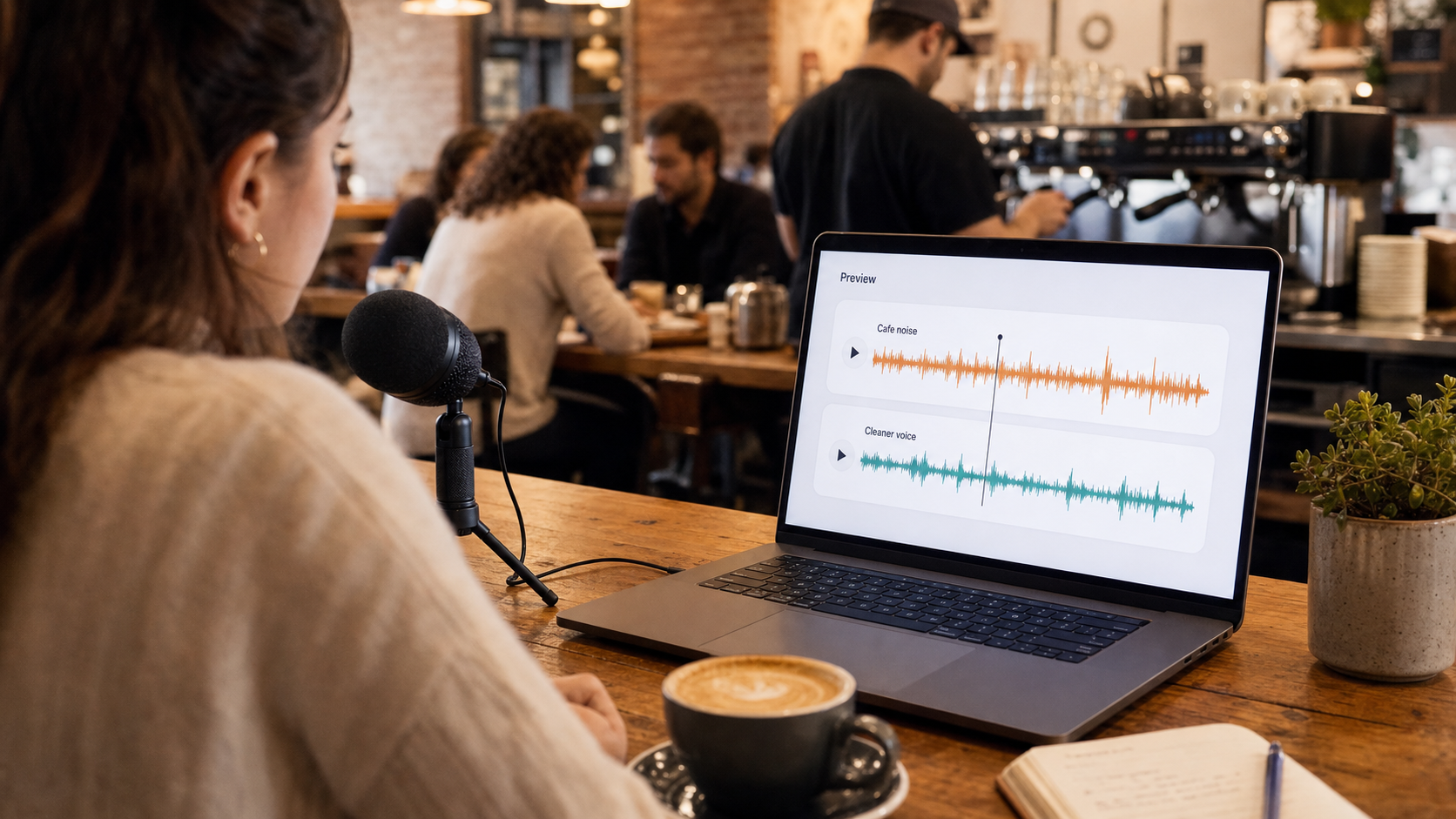
To remove cafe background noise from audio, clean the file with a speech-first noise removal workflow, preview the part where chatter or espresso machine noise is closest to the voice, and keep the result only if the speech becomes easier to understand without sounding processed.
Cafe noise is not one sound. It is a mix of voices, cups, chairs, grinders, espresso steam, HVAC, music, and room reflections. That makes it harder than a steady fan. If the speaker is still clear, CleanAudio's audio noise remover can often reduce the distraction. If the background voices are as loud as the speaker, the recording may have real limits.
What Makes Cafe Noise Difficult
The hard part is overlap. A fan sits under the voice. Cafe chatter often sits in the same midrange area where speech lives. Espresso machines add bursts. Chairs and cups create short transients. Music can fill the whole room.
DPA's speech intelligibility guidance notes that background sounds can take up space in the audible spectrum intended for voice, reducing the ability to understand speech [1]. That is exactly the cafe problem: the listener is not only hearing "noise"; they are hearing competing information.
For a broader map of how these problems behave, see types of background noise in recordings. If the main problem is other voices rather than espresso hiss or room bed, the more specific guide is remove background chatter from audio.
| Cafe sound | Behavior | Cleanup difficulty |
|---|---|---|
| HVAC or room bed | Steady layer | Easier |
| Espresso machine | Bursts and hiss | Mixed |
| Nearby chatter | Speech-like overlap | Harder |
| Dishes and chair scrapes | Short events | Often needs local repair |
| Background music | Harmonic overlap | Hardest |
| Room echo | Reflected speech | Needs echo-aware cleanup |
Choose an Editing Workflow
After you know what kind of cafe noise is in the file, choose the editing style that matches the recording and your tolerance for manual work. This is not a product decision first. It is a workflow decision.
| Editing style | Best fit | Basic workflow | Tradeoff |
|---|---|---|---|
| Automated cleanup-first | Ongoing cafe ambience, chatter, HVAC, espresso noise, or mixed background sound under speech | Clean the full recording first, preview the loudest cafe section, then keep the cleaned file only if the voice is clearer and still natural | Fast and consistent, but still needs careful review on the worst section |
| Manual editor-first | One cup hit, one chair scrape, a long pause, a short music intro, or a few obvious interruptions | Cut or repair the isolated event, lower or fade music if it is separate, adjust levels by section, then use light cleanup only for any remaining steady bed | More control, but slower and easier to over-edit |
Do not treat this as a moral choice between automation and craft. A good editor uses the workflow that matches the problem. Cafe noise that runs underneath every sentence usually benefits from an automated cleanup pass. A single cup hit or chair scrape is often better handled by a manual cut.
Automated Cleanup-First Workflow
Use this route when the cafe sound is continuous: room bed, chatter, HVAC, espresso machine hiss, or mixed background sound under most of the voice.
- Save the original file.
- Find the worst 20 seconds of cafe noise.
- Run one speech-focused cleanup pass on a copy of the recording.
- Preview the worst section, not the cleanest sentence.
- Check whether words are easier to understand.
- Listen for dull, watery, or gated voice artifacts.
- If echo remains, use an echo-specific workflow rather than pushing denoise harder.
- Export only if the cleaned file is easier to listen to.
This is where a productized workflow such as CleanAudio fits naturally. Upload the audio or video, let the hybrid model analyze the recording, preview the cleaned result, and download only if the speech is clearer and still natural. The user still reviews the result; the product simply removes much of the manual routing work.
Automated cleanup works best when the speaker is still the dominant sound. Good candidates include a podcast recorded at a quiet cafe table, a voice memo with light room ambience, a casual interview where the mic is close, or a meeting clip where cafe sound is annoying but not louder than speech.
Challenging cases are different: a phone across the table, loud music under the entire voice, an espresso burst covering key words, multiple people talking at the same loudness, or clipped speech. In those cases, cleanup may still help, but set expectations before spending too much time.
Manual Editor-First Workflow
Use this route when the problem is local and obvious: one cup hit, one chair scrape, a cough, a long pause, a short music intro, or a section that can be cut without hurting the message.
- Save the original file.
- Cut dead air and off-topic sections first.
- Repair or lower isolated clinks, taps, and chair scrapes.
- Fade music only if it is in a separable intro, outro, or pause.
- Adjust section levels if one speaker is much quieter.
- Then use light cleanup only for the remaining steady bed.
- Compare against the original before export.
Manual editing is slower, but it gives better control when the noise is not actually a continuous background layer. The mistake is using broad cleanup to solve an editorial problem. If the unwanted sound happens once, edit that moment. If it happens under the whole recording, automate the first cleanup pass and review the result.
What If the Cafe Has Music?
Music is harder than simple cafe noise because it is structured sound. It has rhythm, harmonics, and often vocals. If the music is quiet and the voice is close, cleanup may make the recording more usable. If the music sits directly under every word, expect limits.
Use the same decision rule: if the voice is still clearly present, try cleanup and preview the worst section. If the music is almost as loud as the speaker, a retake or edit may be more realistic than pushing denoise harder.
Prevention for the Next Cafe Recording
The best cafe recording starts before cleanup. Shure's recording guide emphasizes microphone placement and isolation to improve the balance between the desired sound and unwanted room sound [3]. DPA also recommends reducing background noise and choosing a microphone placement close enough to the mouth for intelligibility [1].
For next time:
- Sit away from the espresso machine.
- Put the microphone closer to the speaker.
- Avoid tables beside the door or counter.
- Record a short test and listen back.
- Use a directional mic if you have one.
- Ask the speaker to face the microphone.
Cleanup can reduce distraction, but it cannot turn a far phone recording in a loud cafe into a close studio mic.
Device-Specific Advice
A phone on the table usually captures the whole cafe. A lavalier mic on the speaker gives cleanup a stronger voice signal. A small directional mic pointed at the speaker can also help, but only if it is close enough and aimed correctly. The microphone choice matters because cleanup works better when the voice is already stronger than the background.
If you already recorded the file, do not try to fix device choice with aggressive processing. Clean a copy, preview the worst section, and decide whether the result is good enough. If not, rerecording one paragraph in a quieter place may be faster than trying to repair a badly placed phone recording.
For creator-style recordings where the cafe file is part of a show, interview, or voice track, the workflow overlaps with audio cleanup for podcasts and clean voice recording online.
FAQ
Can AI remove cafe background noise?
AI can reduce cafe noise when the speaker is still clear. It is harder when nearby voices, music, or espresso bursts cover the speech.
Is cafe chatter harder than fan noise?
Yes. Chatter is speech-like and often overlaps the same range as the speaker. A steady fan is usually easier to reduce.
Should I remove all cafe ambience?
Not always. The goal is clearer speech. A little room ambience can sound natural if it is no longer distracting.
Sources and Further Reading
- DPA Microphones - How to improve speech intelligibility when amplifying the voice: https://www.dpamicrophones.com/mic-university/audio-production/how-to-improve-speech-intelligibility-when-amplifying-the-voice/
- Audacity Manual - Noise Reduction: https://manual.audacityteam.org/man/noise_reduction.html
- Shure - Microphone Techniques for Recording: https://www.shure.com/damfiles/default/global/documents/publications/en/performance-production/microphone_techniques_for_recording_english.pdf-bb0469316afdb6118691d2f3f5e3ff01.pdf